Launching a startup is exciting – but building a professional brand from day one can be challenging. You need a logo, social graphics, a website, marketing materials, and consistent branding across everything. Hiring designers for every step isn’t always realistic for early-stage companies, not to mention it can be extremely time-consuming.
That’s why AI design platforms have become essential tools for startups. They allow founders to create professional branding assets quickly, affordably, and without the need for any extensive technical skills.
In this article, we will be exploring three of the best AI design tools for startups:
- Design.com
- BrandCrowd
- Tailor Brands
Each of these platforms uses AI to simplify branding, but they approach it in slightly different ways, so let’s see what makes each one stand out.
Why AI Design Tools Matter for Startups
Startups typically need:
- A professional logo
- Consistent brand identity
- Marketing materials
- Website presence
- Social media assets
AI design platforms combine speed, automation, and customization to deliver all of this in one place, though startups with bigger ambitions often partner with a dedicated design agency for startup campaigns to ensure brand consistency from day one. The best part is that this often takes minutes instead of weeks.
The key differences between the most popular platforms come down to factors such as library size, editing flexibility, additional branding tools, and pricing structure.
Design.com
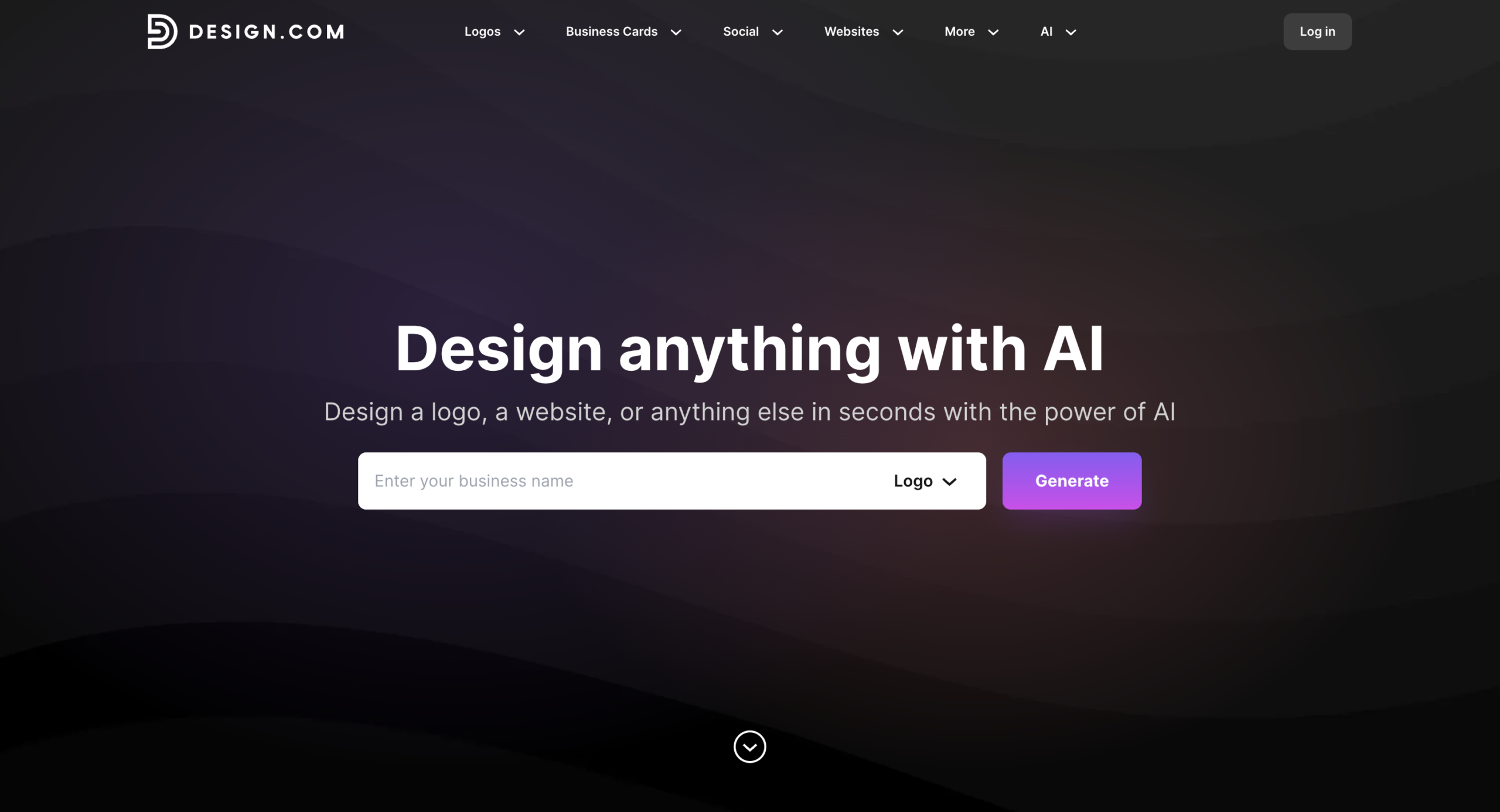
Design.com is positioned as a complete branding platform powered by AI. It’s not just about logos – it’s about building an entire brand ecosystem.
Massive Design Library
Design.com provides access to over 400,000+ logo templates, making it one of the largest logo libraries available. Here are some examples of how this works:
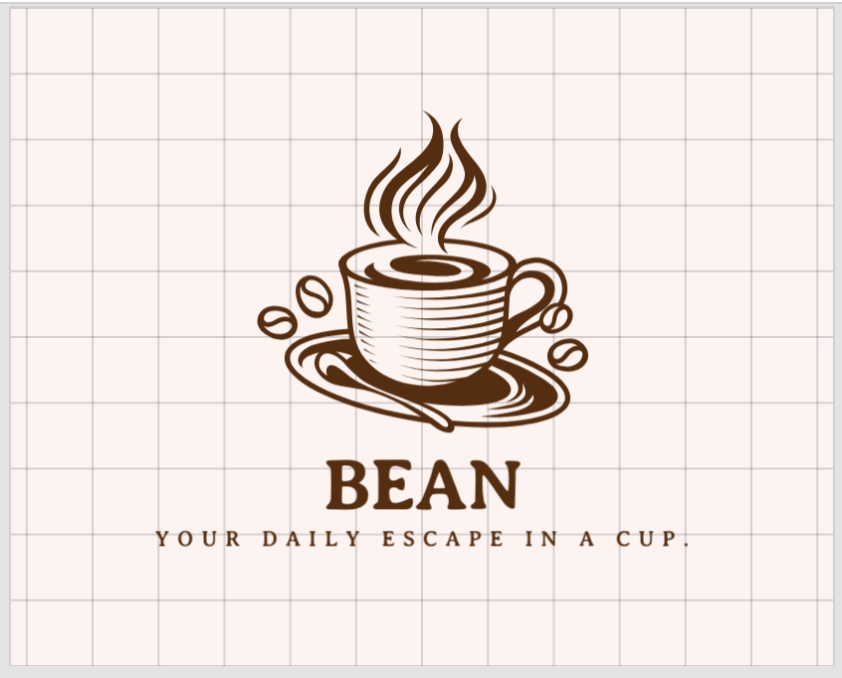

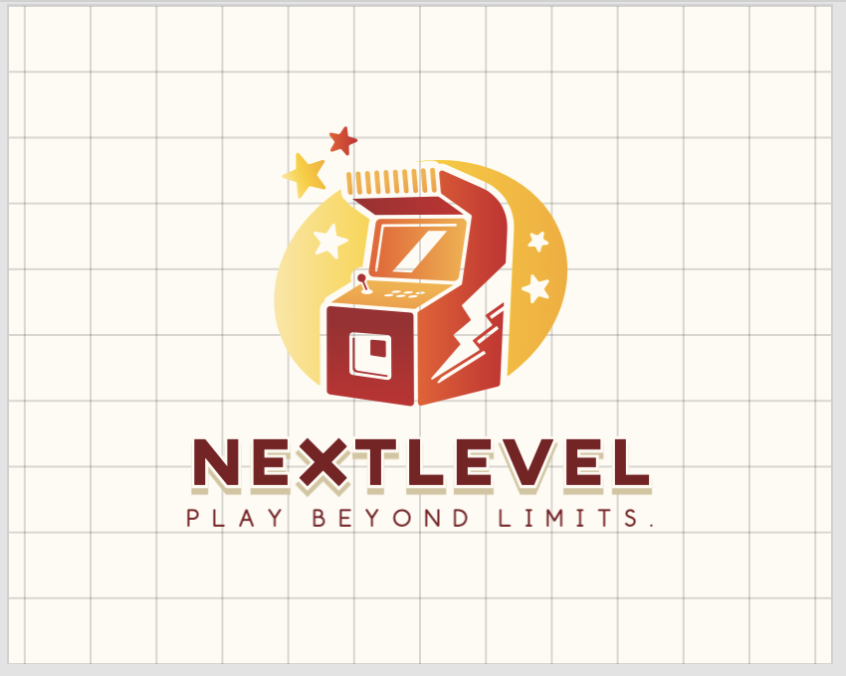
Across the full platform, users can access over 1 million total design templates, including websites, flyers, social posts, and print materials. This scale gives startups a huge variety of styles across nearly every industry.
AI Logo Generation & Editing
The AI logo generator creates thousands of logo options instantly based on your business name and keywords.
Once generated, you can customize:
- Fonts (750+ fonts, including 525+ exclusive fonts)
- Colors
- Layouts
- Icons and shapes (62,000+ vector shapes)
- Gradients and curved text
Unlimited edits are allowed, and AI-assisted editing tools help refine text and icons.
Beyond Logos: A Full Brand Toolkit
Where Design.com stands out is its broader ecosystem. It offers 50+ additional design and built-in AI branding tools, including:
- AI website builder
- Business cards
- Digital business cards
- Social media graphics
- QR codes
- Presentations
- Flyers and posters
Templates automatically apply your brand colors, helping startups maintain consistency without extra work.
Licensing & File Formats
All designs are reviewed for originality and are commercially safe. Logo downloads include:
- SVG, EPS, PDF (vector files)
- PNG, JPG
- GIF & MP4 (animated logos)
- Transparent background versions
- Icon-only versions
Extended licenses are available for users who want more exclusivity.
Free & Paid Options
Design.com offers completely free logos with vector downloads. Users can also publish websites and digital business cards for free. However, downloading assets created with the broader design tools requires a premium plan.
Support is available 24/7 via chat and email.
Ideal for: Startups that want an all-in-one AI branding platform with flexible options.
BrandCrowd
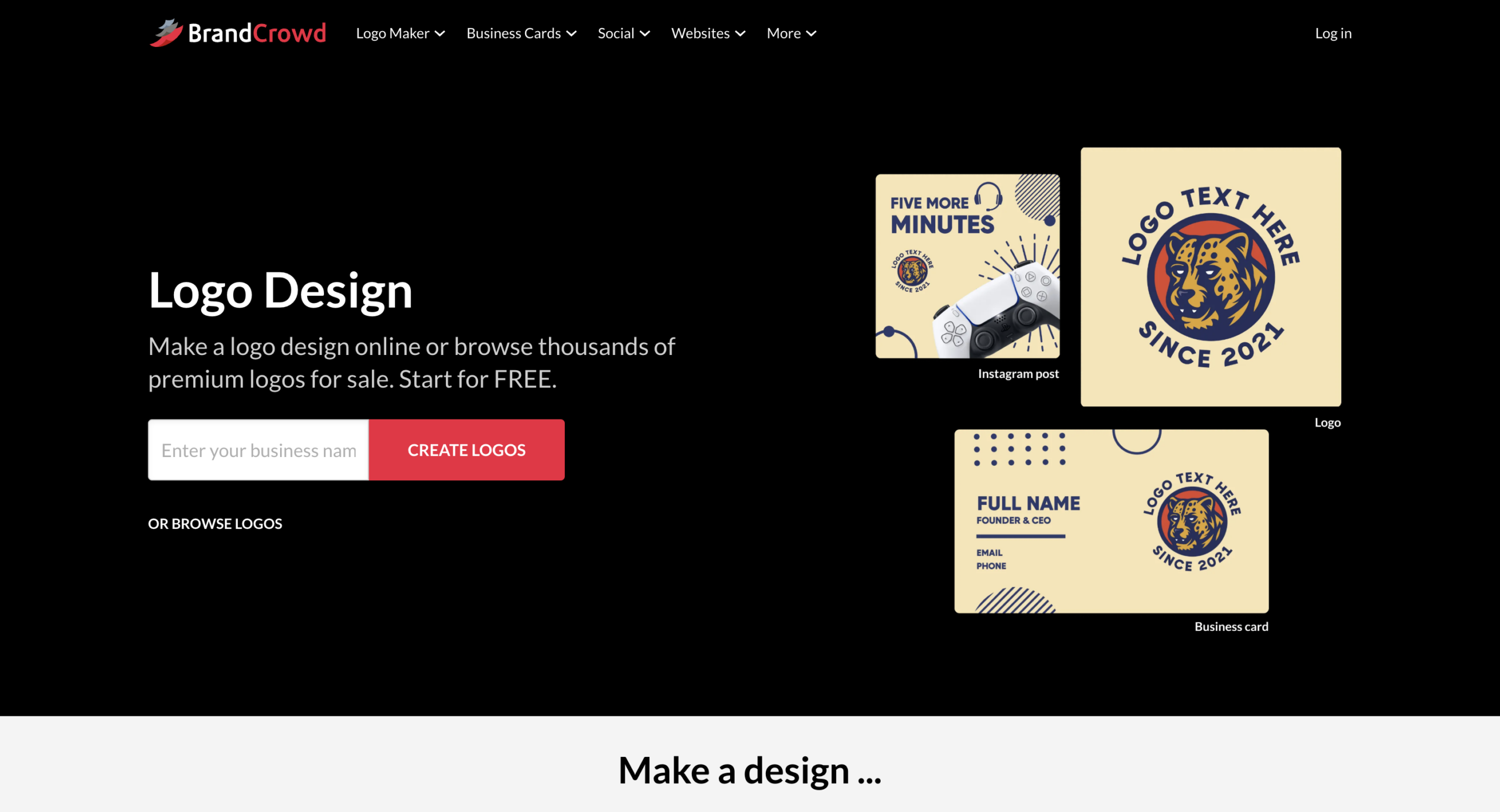
BrandCrowd is another strong AI-powered design platform. It focuses heavily on professionally created logo templates and brand consistency.
Extensive Template Library
BrandCrowd offers over 380,000+ logo templates and more than 1 million design templates across its platform.
Like Design.com, logos are created by professional designers and are exclusive to the platform. Here are some examples of logos from BrandCrowd:
AI-Powered Logo Creation
BrandCrowd includes:
- AI logo generator
- AI business name generator
- AI background remover
Users can generate logos quickly and refine them through an easy editing interface.
Customization Capabilities
BrandCrowd offers strong editing flexibility, including:
- 750+ fonts
- 62,000+ vector shapes
- Full control over layout and colors
- AI-assisted logo editing
The platform is beginner-friendly while still offering advanced customization.
Complete Branding Tools
BrandCrowd also provides 50+ additional tools, including:
- Website builder
- Social media templates
- Business cards
- QR codes
- Presentations
- Flyers and posters
Like Design.com, templates automatically adapt to your logo’s colors for consistent branding.
File Formats & Licensing
Logos are commercially safe and reviewed for originality. Download formats include:
- SVG, EPS, PDF
- PNG, JPG
- GIF & MP4
- Transparent and icon-only versions
Extended licenses are available for users seeking exclusivity.
Free & Premium Access
BrandCrowd offers free logo options and free publishing tools, but premium plans are required to download designs created using advanced tools.
Support is available 24/7 via chat and email.
Ideal for: Startups prioritizing professional logo quality and large design libraries.
Tailor Brands
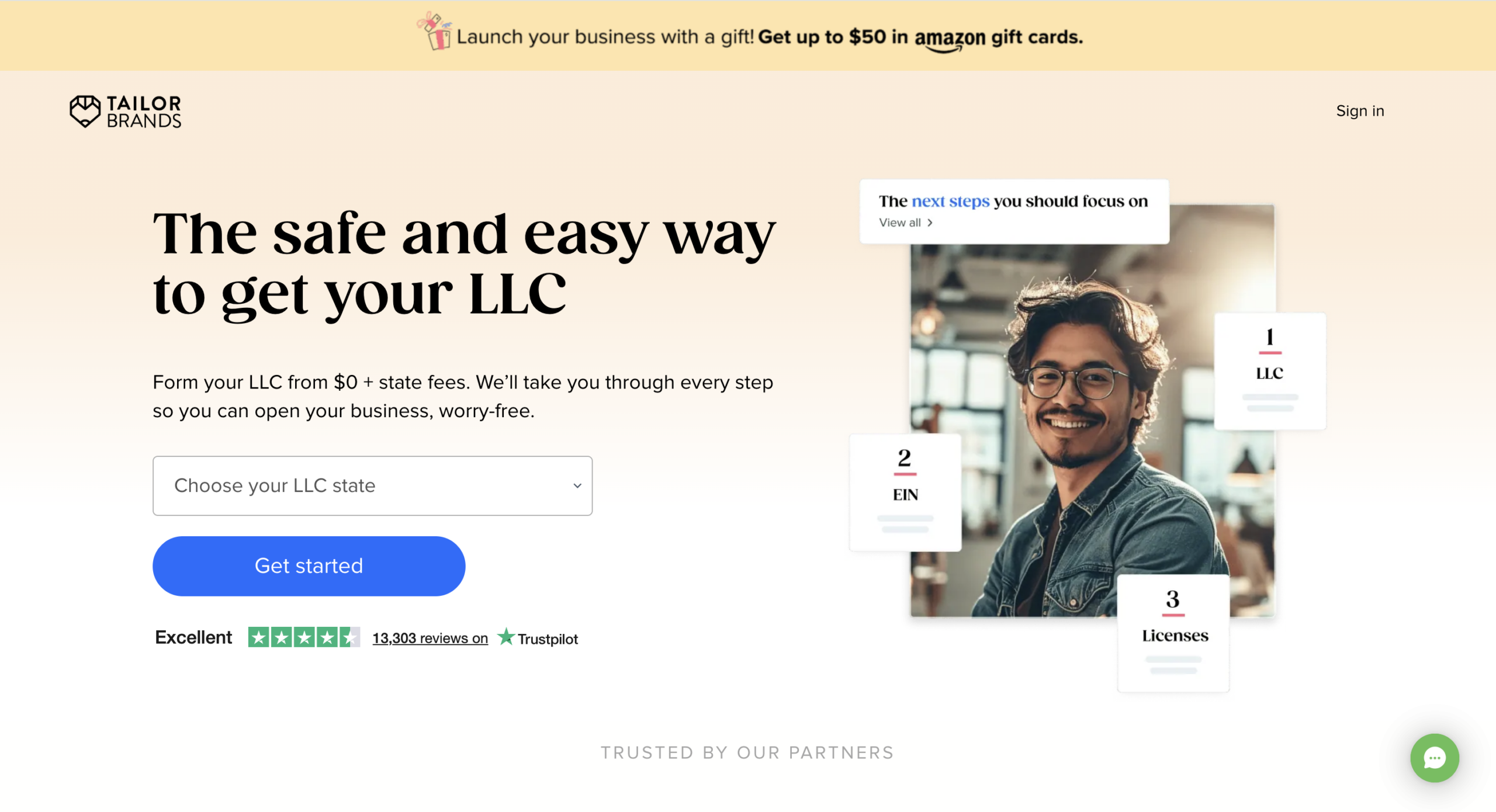
Tailor Brands approaches AI design slightly differently. Rather than focusing primarily on browsing templates, it guides users through a structured brand-building process.
Guided AI Logo Creation
Tailor Brands uses a questionnaire-based AI system. You answer questions about:
- Industry
- Design preferences
- Brand personality
- Style direction
Based on your answers, the system generates tailored logo options like the ones below:
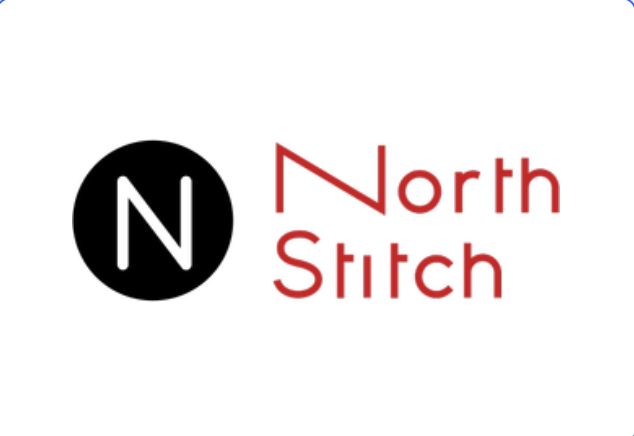
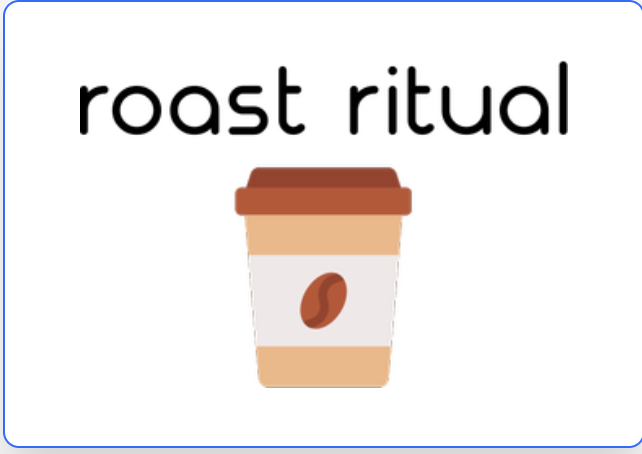
This makes the experience more guided and less template-driven.
Editing & Customization
Users can adjust:
- Fonts
- Colors
- Layouts
- Icons
The editor is simple and structured, making it accessible for non-designers.
Broader Business Tools
Tailor Brands extends beyond branding into business setup tools. The platform includes:
- Brand kits
- Social media tools
- Business card creation
- Website builder
- Business formation services (in select regions)
This makes it attractive to first-time founders launching new companies.
Pricing Model
Tailor Brands operates primarily on a subscription model. Commercial rights and high-resolution files are included in paid plans. Vector files are typically available under higher-tier subscriptions.
Ideal for: Entrepreneurs who want branding plus business-building tools in one subscription.
Quick Comparison
| Feature | Design.com | BrandCrowd | Tailor Brands |
| Logo Templates | 400K+ | 380K+ | AI-generated (guided) |
| Total Design Templates | 1M+ | 1M+ | Not template-focused |
| AI Website Builder | Yes | Yes | Yes |
| Extended Licenses | Yes | Yes | Not the primary focus |
| Free Logo Downloads | Yes | Yes | Preview only |
| Branding Tools | 50+ tools | 50+ tools | Branding + business tools |
| Subscription Required | Not always | Not always | Yes |
| Best For | Full brand ecosystem | Logo-focused branding | Business launch support |
Conclusion
AI design tools have made it possible for startups to build strong brands quickly and affordably.
If you want the most complete branding ecosystem with flexible free options, Design.com is a strong choice. If your focus is on professional logo quality backed by a large template library, BrandCrowd performs well, and if you want branding combined with broader business tools under a subscription model, Tailor Brands may suit you better.
Ultimately, the right platform depends on your startup’s stage, goals, and how much control you want over your branding process.